Fast home routerRank 1

Fast multi-device Wi-FiTP-Link Archer BE600
A tri-band Wi-Fi 7 router for shoppers comparing 10G uplinks, 6GHz capacity, and modern device support.
- BE9700 tri-band Wi-Fi 7
- 10G and 2.5G wired ports
- multi-link operation and 6GHz wireless capacity
Premium gaming routerRank 2

Multi-gig gaming homesTP-Link Archer GE800
A high-end tri-band Wi-Fi 7 router for gaming rooms, fast NAS links, and demanding home networks.
- BE19000 tri-band Wi-Fi 7
- dual 10G and four 2.5G ports
- game-focused control panel and network tools
Flagship tri-band routerRank 3
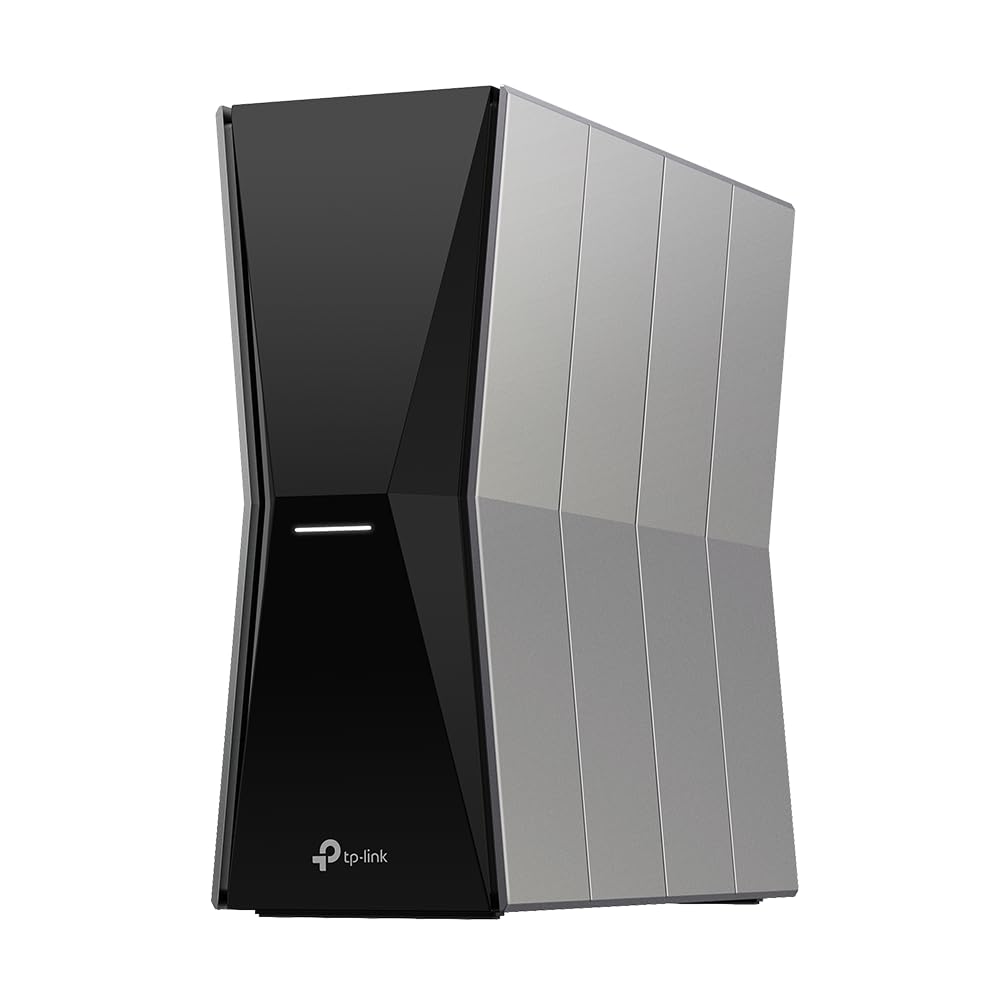
Higher-capacity wireless homesTP-Link Archer BE770
A tri-band BE18000 Wi-Fi 7 router for homes comparing flagship wireless capacity and multi-gigabit links.
- BE18000 tri-band Wi-Fi 7
- Archer BE770 router platform
- multi-gigabit home-network capacity
Tri-band gaming routerRank 4

Device-heavy gaming setupsTP-Link Archer GE650
A tri-band Wi-Fi 7 gaming router for busy homes with fast internet and demanding clients.
- BE11000 tri-band Wi-Fi 7
- gaming-focused traffic tools
- multi-gigabit wired connectivity
Wi-Fi 7 gaming pickRank 5

Value gaming networksTP-Link Archer GE400
A dual-band Wi-Fi 7 router aimed at fast home connections and gaming setups.
- BE6500 dual-band Wi-Fi 7
- 2.5Gbps wired connectivity
- game acceleration and QoS controls
Entry Wi-Fi 7 routerRank 6
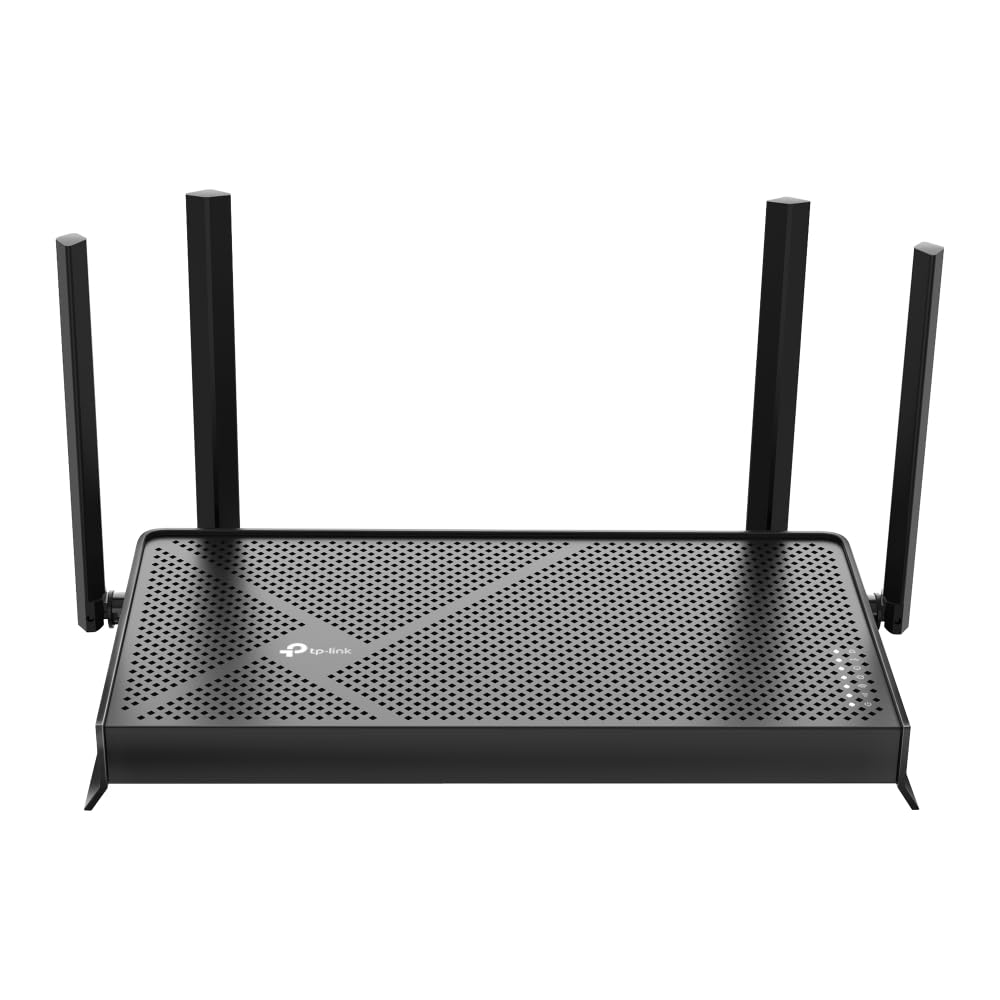
Everyday multi-device homesTP-Link Archer BE230
A dual-band BE3600 Wi-Fi 7 router for everyday home traffic and a straightforward move to newer clients.
- BE3600 dual-band Wi-Fi 7
- Archer BE230 router platform
- wired and wireless support for daily devices
Value Wi-Fi 7 routerRank 7

Value multi-gig homesTP-Link Archer BE400
A dual-band Wi-Fi 7 router for homes that want newer wireless features without a tri-band layout.
- BE6500 dual-band Wi-Fi 7
- multi-gigabit wired ports
- multi-link and modern Wi-Fi 7 client support
Wi-Fi 6E routerRank 8

Wi-Fi 6E home networksTP-Link Archer AXE75
A tri-band Wi-Fi 6E router for compatible devices that can use the additional 6GHz band.
- AXE5400 tri-band Wi-Fi 6E
- dedicated 6GHz wireless band
- 2.5Gbps Ethernet and USB connectivity
High-capacity Wi-Fi 7 routerRank 9
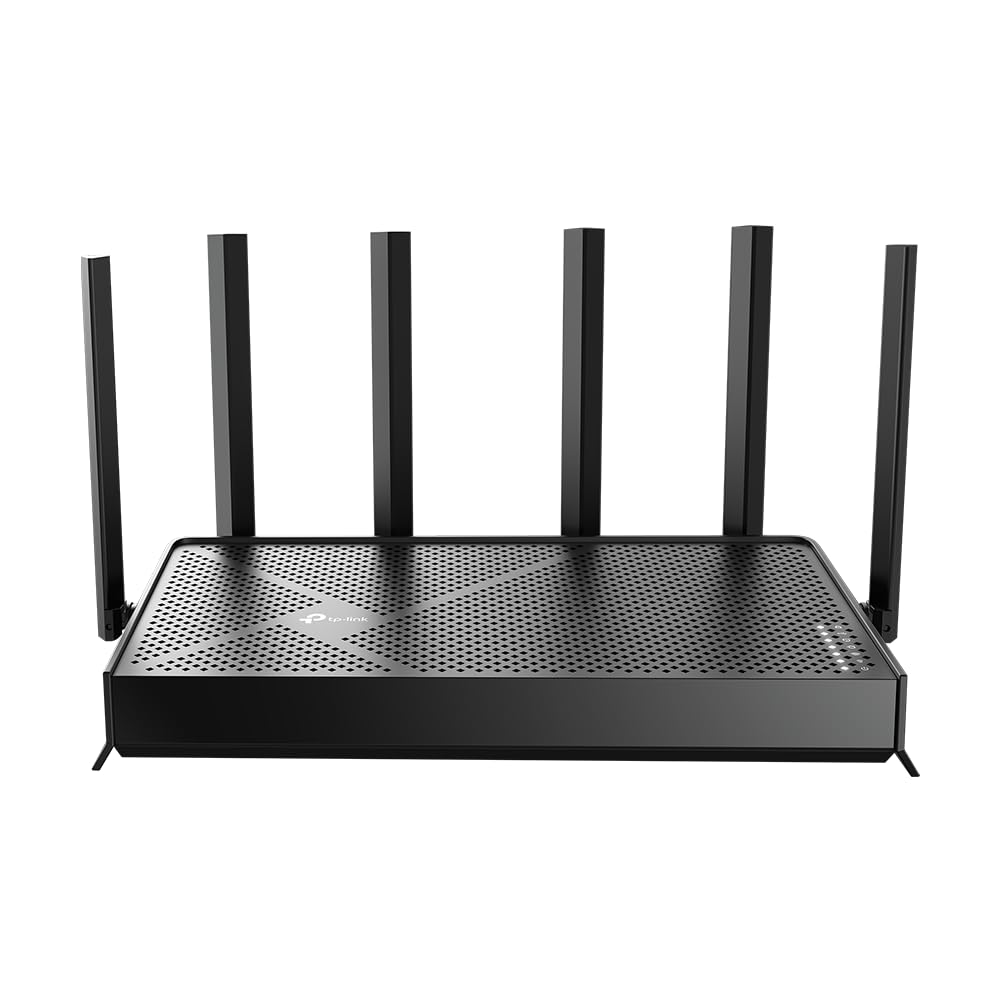
Higher-capacity wireless homesTP-Link Archer BE670
A tri-band BE12000 Wi-Fi 7 router for homes comparing higher wireless capacity and multi-gigabit routing.
- BE12000 tri-band Wi-Fi 7
- Archer BE670 platform
- multi-link capacity for compatible clients
Use this ranking as a focused starting point. Confirm the current model, wireless standard, port layout, compatibility, price, availability, and return terms on Amazon.com before buying.
How to compare routers for gaming, streaming and work
A busy home router has to serve different traffic at once: low-latency play, high-bitrate streaming, video calls and background smart-home devices. Compare the controls and ports that keep those jobs predictable.
- Check wired and wireless options for the gaming PC, console, TV, work laptop and any nearby access point.
- Look for the bands, QoS or traffic controls and client capacity that fit the number of simultaneous users, not just the marketing speed.
- Consider placement, antenna coverage and whether a mesh node or wired access point would solve a distant-room problem better.
- Verify the current model, included hardware, subscriptions or app requirements, price, stock and return policy on Amazon.com.
FAQ
Is a gaming router necessary for a gaming household?
Not always. A well-placed router with suitable wired ports and sensible traffic controls can be enough; compare the complete setup rather than the gaming label alone.
Can a router improve a weak signal in another room?
Only if placement and the home layout allow it. For a distant room, compare wired backhaul, mesh or an access point instead of expecting one router to reach through every wall.
Which details matter most before buying?
Check port speeds, band support, QoS or management features, device compatibility, power equipment, current price and the exact variation.
Before you buy
Product specifications, variants, accessories, pricing, availability, delivery, and retailer policies can change. This page is a comparison guide, not a claim of personal product testing. Confirm current details on the linked Amazon.com listing before purchasing.