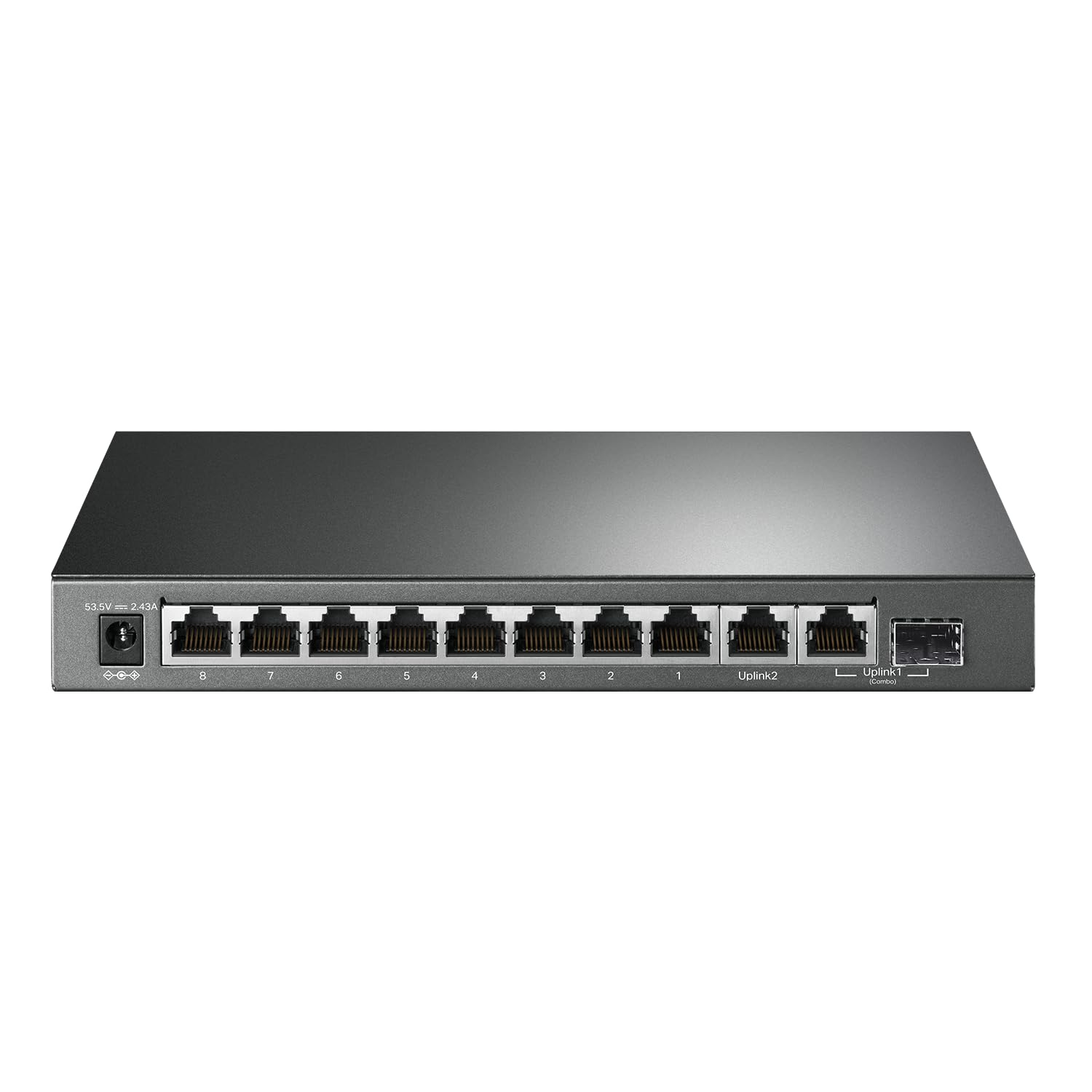
Use this ranking as a focused starting point. Confirm the current model, port speed, port count, management, and uplink needs, price, availability, and return terms on Amazon.com before buying.
How to compare Ethernet switches for home networks
A switch should remove a port or speed bottleneck without creating a new one. Start with the devices and uplink around it, then compare port count, speed, management and power.
- Count the devices and leave room for one or two future connections instead of matching the current count exactly.
- Compare port speeds and uplink capacity with the router, NAS, desktop, access point or switch upstream.
- Decide whether unmanaged plug-and-play or managed controls are appropriate for the people maintaining the network.
- Verify the exact model, port layout, power adapter, noise or mounting details, price, stock and return terms.
FAQ
How many switch ports do I need?
Count current wired devices, the uplink and likely additions. A little spare capacity is usually more useful than filling every port on day one.
When is a managed switch worth it?
Managed controls can help with deliberate VLAN, monitoring or traffic setups, but a simple home expansion may only need unmanaged plug-and-play hardware.
What should I verify before checkout?
Confirm port speed, count, uplink layout, PoE or management needs, power equipment, price and current availability.
Before you buy
Product specifications, variants, accessories, pricing, availability, delivery, and retailer policies can change. This page is a comparison guide, not a claim of personal product testing. Confirm current details on the linked Amazon.com listing before purchasing.