Wi-Fi 6 coverage pickRank 1

Extending a compatible routerTP-Link RE715X
A Wi-Fi 6 range extender for smoothing out coverage gaps across everyday rooms.
- AX3000 dual-band Wi-Fi 6
- OneMesh-compatible coverage expansion
- Gigabit Ethernet for wired connectivity
Wi-Fi 7 coverage pickRank 2

Reaching distant roomsTP-Link RE653BE
A Wi-Fi 7 range extender for bringing newer wireless capacity into rooms outside the router's strongest reach.
- Wi-Fi 7 wireless extension
- designed to work with a compatible home router
- useful for improving coverage beyond the main room
Wi-Fi 7 wired extenderRank 3
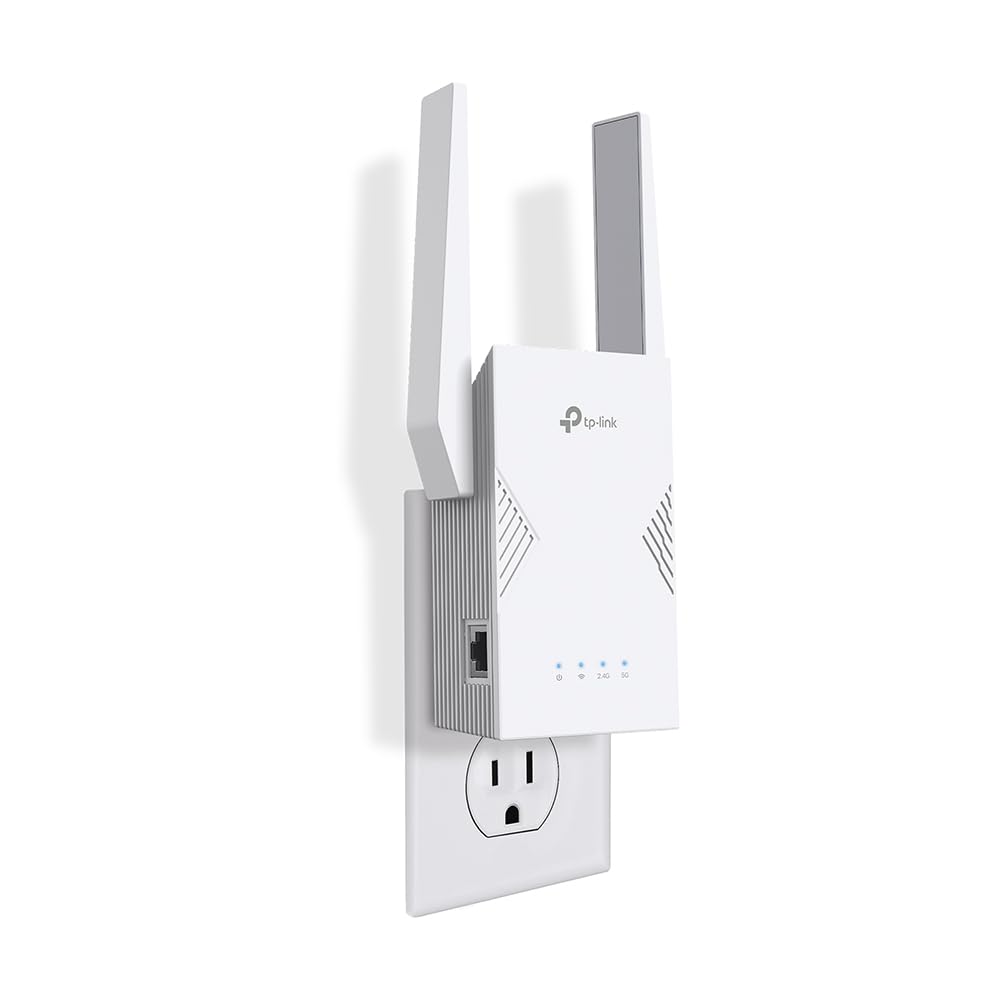
Coverage and wired backhaulTP-Link RE223BE
A BE3200 Wi-Fi 7 range extender with Ethernet for improving reach or adding a wired endpoint in a weak room.
- BE3200 dual-band Wi-Fi 7
- Ethernet port for a wired device
- RE223BE coverage expansion
Dead-zone coverage pickRank 4

Coverage and wired backhaulTP-Link RE615X
A Wi-Fi 6 range extender for improving coverage where the main router does not reach well.
- dual-band Wi-Fi 6 coverage
- Ethernet port for a wired device or access-point setup
- designed to extend an existing home network
Budget coverage pickRank 5

Coverage and wired backhaulTP-Link RE515X
A Wi-Fi 6 range extender for improving signal reach in an existing home network.
- AX3000 dual-band Wi-Fi 6
- OneMesh-compatible expansion
- Gigabit Ethernet connectivity
Use this ranking as a focused starting point. Confirm the current model, wireless class, Ethernet support, compatibility, price, availability, and return terms on Amazon.com before buying.
How to compare Wi-Fi range extenders for simple coverage expansion
An extender is a targeted fix for a weak room, not a replacement for every network upgrade. Start with the room that needs help and compare placement, compatibility and the type of link the extender can create.
- Check the existing router's wireless generation, OneMesh or compatible roaming features and the extender's supported bands.
- Compare Ethernet support when a wired device or access point can sit near the weak room.
- Place the extender where it can still receive a usable signal; putting it inside the dead zone usually limits the result.
- Verify the exact model, region, app or setup process, price, availability and return terms before buying.
FAQ
Where should I plug in an extender?
Usually between the router and the weak room, where it still receives a usable signal. Follow the model's setup guidance rather than placing it at the very edge.
Is an extender the same as a mesh node?
No. Some extenders integrate with compatible mesh features, but the roaming and management experience depends on the specific router and model.
When should I choose a mesh system instead?
Compare mesh when several rooms are weak, you want one managed network or the router is already due for replacement.
Before you buy
Product specifications, variants, accessories, pricing, availability, delivery, and retailer policies can change. This page is a comparison guide, not a claim of personal product testing. Confirm current details on the linked Amazon.com listing before purchasing.