Fast home routerRank 1

Fast multi-device Wi-FiTP-Link Archer BE600
A tri-band Wi-Fi 7 router for shoppers comparing 10G uplinks, 6GHz capacity, and modern device support.
- BE9700 tri-band Wi-Fi 7
- 10G and 2.5G wired ports
- multi-link operation and 6GHz wireless capacity
Value Wi-Fi 7 routerRank 2

Value multi-gig homesTP-Link Archer BE400
A dual-band Wi-Fi 7 router for homes that want newer wireless features without a tri-band layout.
- BE6500 dual-band Wi-Fi 7
- multi-gigabit wired ports
- multi-link and modern Wi-Fi 7 client support
Flagship tri-band routerRank 3
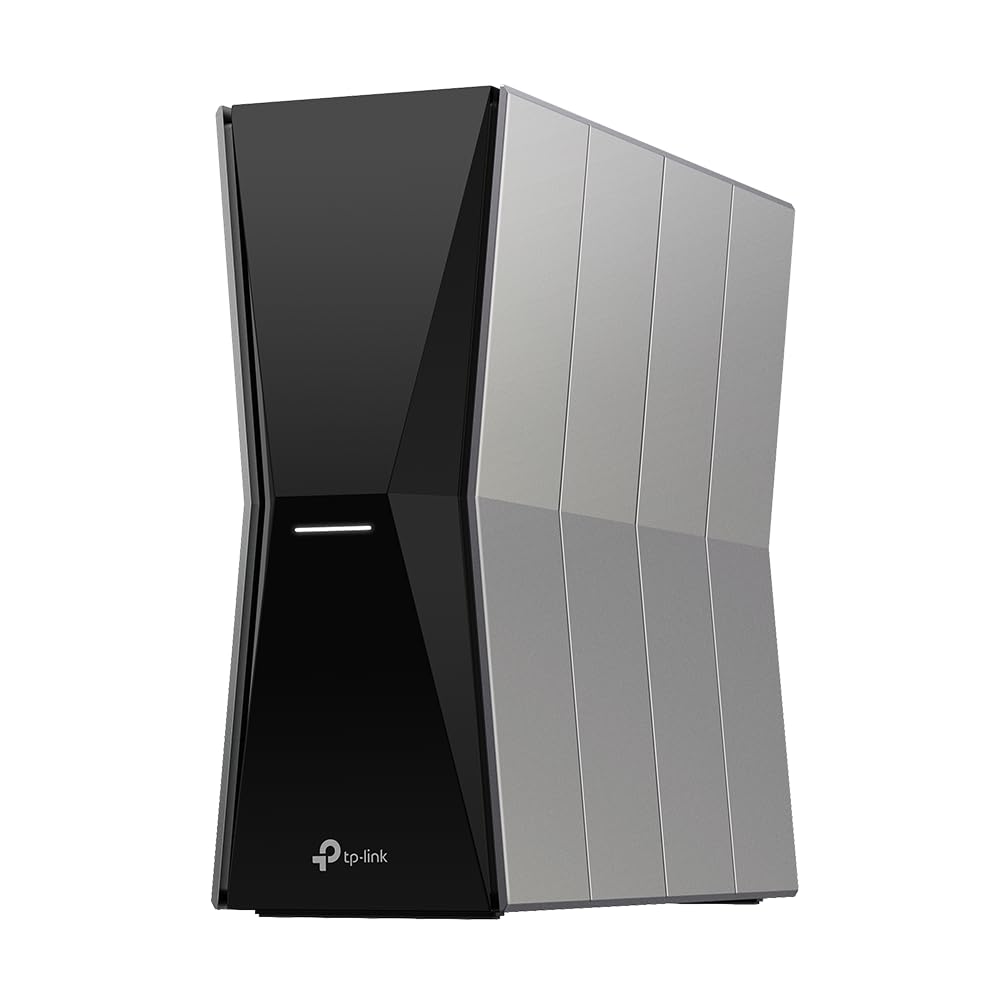
Higher-capacity wireless homesTP-Link Archer BE770
A tri-band BE18000 Wi-Fi 7 router for homes comparing flagship wireless capacity and multi-gigabit links.
- BE18000 tri-band Wi-Fi 7
- Archer BE770 router platform
- multi-gigabit home-network capacity
Wi-Fi 6E routerRank 4

Wi-Fi 6E home networksTP-Link Archer AXE75
A tri-band Wi-Fi 6E router for compatible devices that can use the additional 6GHz band.
- AXE5400 tri-band Wi-Fi 6E
- dedicated 6GHz wireless band
- 2.5Gbps Ethernet and USB connectivity
Premium gaming routerRank 5

Multi-gig gaming homesTP-Link Archer GE800
A high-end tri-band Wi-Fi 7 router for gaming rooms, fast NAS links, and demanding home networks.
- BE19000 tri-band Wi-Fi 7
- dual 10G and four 2.5G ports
- game-focused control panel and network tools
Tri-band gaming routerRank 6

Device-heavy gaming setupsTP-Link Archer GE650
A tri-band Wi-Fi 7 gaming router for busy homes with fast internet and demanding clients.
- BE11000 tri-band Wi-Fi 7
- gaming-focused traffic tools
- multi-gigabit wired connectivity
High-capacity Wi-Fi 7 routerRank 7
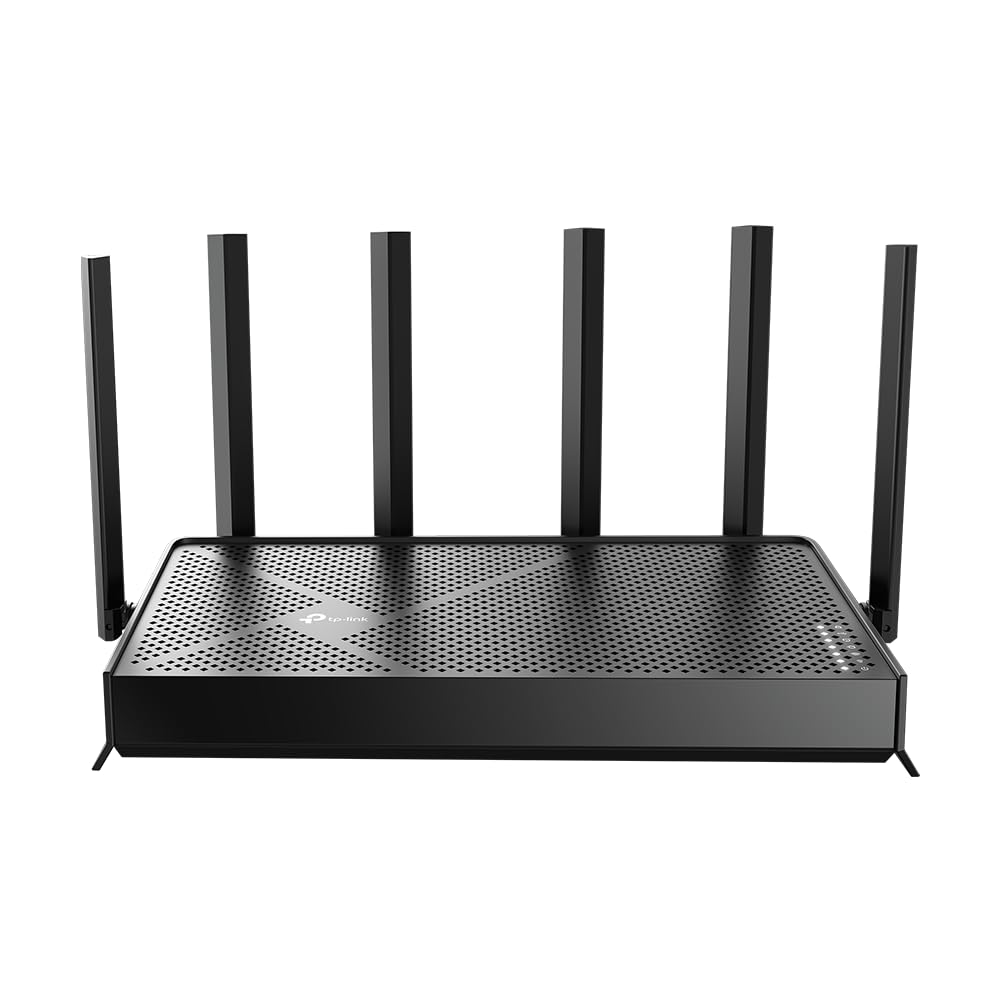
Higher-capacity wireless homesTP-Link Archer BE670
A tri-band BE12000 Wi-Fi 7 router for homes comparing higher wireless capacity and multi-gigabit routing.
- BE12000 tri-band Wi-Fi 7
- Archer BE670 platform
- multi-link capacity for compatible clients
Wi-Fi 7 gaming pickRank 8

Value gaming networksTP-Link Archer GE400
A dual-band Wi-Fi 7 router aimed at fast home connections and gaming setups.
- BE6500 dual-band Wi-Fi 7
- 2.5Gbps wired connectivity
- game acceleration and QoS controls
Entry Wi-Fi 7 routerRank 9
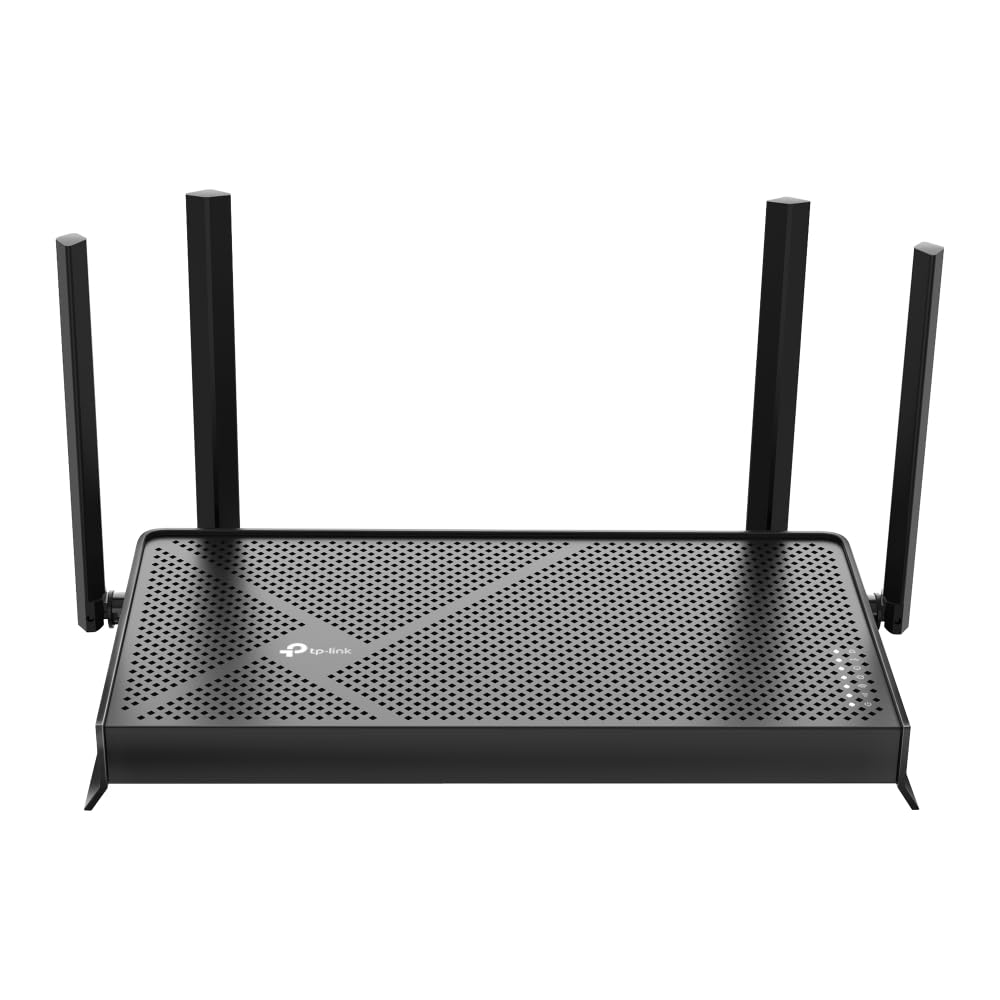
Everyday multi-device homesTP-Link Archer BE230
A dual-band BE3600 Wi-Fi 7 router for everyday home traffic and a straightforward move to newer clients.
- BE3600 dual-band Wi-Fi 7
- Archer BE230 router platform
- wired and wireless support for daily devices
Use this ranking as a focused starting point. Confirm the current model, wireless standard, port layout, compatibility, price, availability, and return terms on Amazon.com before buying.
How to compare routers for connected smart homes
Smart-home traffic is usually spread across phones, cameras, hubs, locks, lights and sensors. A useful router comparison starts with coverage and client capacity, then checks the management features that make a growing network easier to maintain.
- Map where cameras, hubs and fixed devices sit, and compare the router's bands, coverage expectations and wired connections with that layout.
- Check support for guest or IoT networks, parental controls, firmware updates and the app workflow you are willing to use.
- Separate headline wireless speed from the practical needs of older 2.4 GHz devices, newer Wi-Fi clients and wired hubs.
- Confirm the exact model, ports, included power equipment, current bundle, price, availability and return terms before checkout.
FAQ
Do smart-home devices need the newest Wi-Fi standard?
Many sensors and plugs do not. Prioritize stable coverage, compatibility, 2.4 GHz support and the management features that fit the devices you already own.
Should cameras and hubs use a separate network?
A guest or IoT network can help organize connected devices, but the exact controls vary by model. Check the live feature list rather than assuming every router handles it the same way.
What changes as a smart home grows?
Coverage, client count, wired ports, app controls and firmware support become more important. Recheck those details against the current listing and your planned devices.
Before you buy
Product specifications, variants, accessories, pricing, availability, delivery, and retailer policies can change. This page is a comparison guide, not a claim of personal product testing. Confirm current details on the linked Amazon.com listing before purchasing.